
P777 Game APK Download Guide: Safe Installation Steps for Android
Before you download
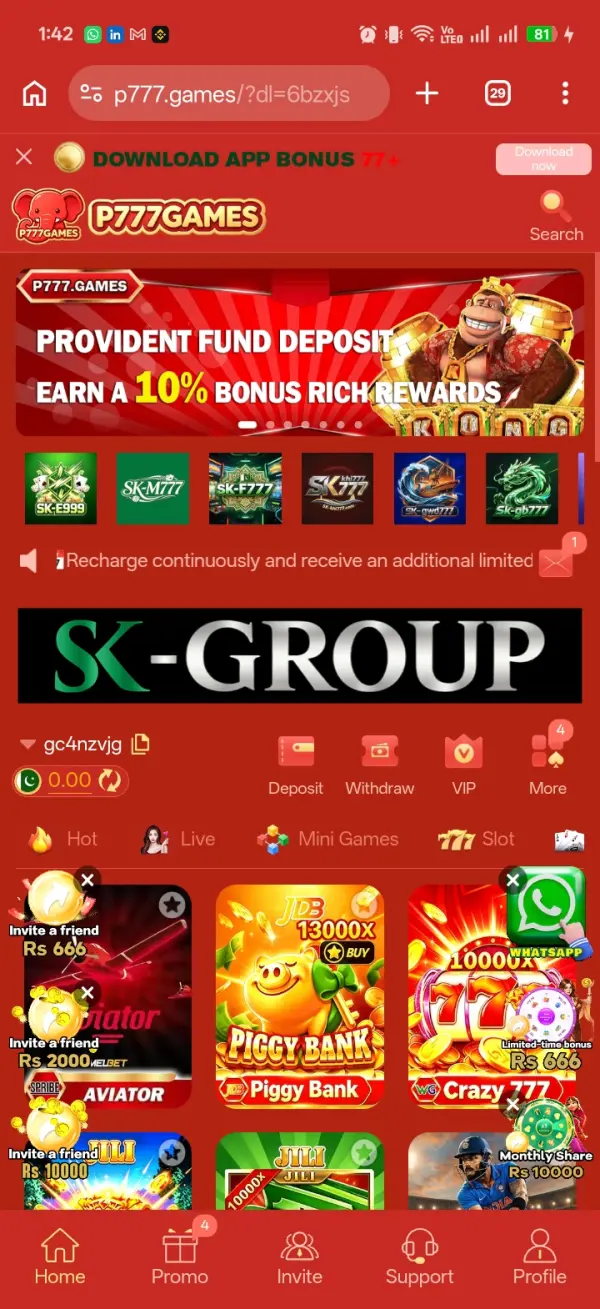
P777 Game, like many real-money gaming apps, is distributed as a direct APK rather than through the Google Play Store. That changes the install process compared to a normal app, so it's worth knowing what to expect before you start — and worth checking your source, since APK download pages are exactly what clone sites copy first.
As of this writing, the current release is version 9.9.18, with an APK file size of around 150MB. Because the app isn't distributed through the Play Store, it doesn't auto-update, so it's worth confirming these figures on the download page again before you install, since both change with each new release.
Why APKs instead of the Play Store
Google's Play Store policies restrict real-money gambling apps in most regions, which is why apps like this one are distributed as a direct APK file instead of through the store most Android users are used to. That's a normal, common distribution model for this category of app across many countries — but it does mean the usual Play Store safety net, like automated malware scanning before an app is listed and one-tap uninstall history, isn't part of the process here. The responsibility for verifying the source shifts to you, which is exactly why the rest of this guide focuses so much on where the file comes from rather than just how to tap through the install screens.
What you'll need before you start
- A recent Android version — very old OS versions sometimes can't run current builds of apps like this one, and installers may simply refuse to open.
- Enough free storage — the current release is around 150MB, so leave some extra room beyond that for the install process itself. A failed or partial install from running out of space midway is one of the most common causes of “app not installed” errors.
- A stable connection for the duration of the download — switching networks partway through a large file is a common cause of corrupted installers.
- A phone number or email you actually have access to, since you'll need it during registration right after installing.
Step-by-step installation
- Open the official download link — use the button on the P777 Game download page rather than a random search result or a link shared in an unfamiliar chat group. Typing the domain yourself is safer than tapping a link someone else sent you.
- Wait for the download to finish completely before opening the file. A partial file will fail to install or behave unpredictably, and re-downloading is faster than troubleshooting a broken install.
- When you tap the file, Android will ask for permission to install from that specific source. This is normal for APKs distributed outside the Play Store — only approve it for the browser or file manager you actually used to download the file, not as a blanket setting.
- Review the permissions requested during installation and question anything unrelated to a gaming app, such as access to your contacts or call logs.
- Open the app and complete registration using a phone number or email you can actually access, since you'll likely need it again for verification or password recovery later.
Permissions worth understanding, not just approving
Modern Android shows a permission prompt for each sensitive category the first time an app actually requests it, rather than one long list at install time — which makes it easy to tap “allow” reflexively without registering what you agreed to. Storage access is reasonable for an app that needs to save screenshots of transactions or download game assets. Notification access is reasonable for balance and promotion alerts. Anything asking for SMS read access, accessibility services, or the ability to draw over other apps deserves a second look, since none of those are typical requirements for a gaming app and they're commonly abused by malware that piggybacks on legitimate-looking installers.
If the install fails or gets blocked
- “App not installed” errors are often caused by insufficient storage or an incompatible Android version — check both first.
- Google Play Protect may flag APK installs from outside the Play Store by default. That's a generic warning about sideloading, not automatic proof of anything malicious, but it's still worth pausing on and re-confirming your source before continuing.
- A “parsing error” usually means the download didn't complete or got corrupted in transit — delete the file and download it again rather than trying to force it open.
- If your device blocks the install outright through a management profile or work policy, don't broadly disable your phone's security features just to force it through — reconsider whether that device is the right one to use.
APK file hygiene
Before opening a freshly downloaded APK, a quick scan with a reputable mobile security app can catch obviously repackaged or bundled installers, even though it's not a complete guarantee. Comparing the file size against what the download page states it should be is a fast, free check — a file that's dramatically smaller or larger than expected is worth investigating before you install it, not after. None of these checks are foolproof on their own, which is exactly why this guide treats source verification, not just file scanning, as the first line of defense.
Keeping the app updated
Apps distributed as APKs don't auto-update the way Play Store apps do. New versions are usually announced through the same channel you originally downloaded from. Re-check the source each time the same way you did the first time — a later download link isn't automatically trustworthy just because an earlier one from the same place was.
Updating without losing your account
Because APK updates aren't tied to a Play Store account the way normal app updates are, your account data lives on the game's servers rather than in the update file itself — so a fresh install of a newer version should still log you back in with your existing credentials, the same way logging into a website works regardless of which browser you use. It's still worth confirming you remember your login details and have access to the phone number or email on file before updating, in case anything does go wrong and you need to recover the account afterward.
If you're setting up on a new phone
A device switch is a good moment to redo the source-verification steps from scratch rather than assuming your old bookmark or download history is still trustworthy, since a link saved months ago could point to a page that's since changed hands or been compromised. Downloading fresh from a verified source, checking the file size against what's currently stated, and completing the install steps in order — rather than restoring from a backup file of the old APK — keeps you on whatever the current, actively maintained version is instead of an older build that may no longer be supported.
It's also worth logging into the app successfully on the new device before wiping or selling the old one, particularly if the account has any extra device-verification step tied to a first-time login. Keeping the old device usable for a few days as a fallback costs nothing and avoids a situation where you're locked out of both the account and the only device that could help you recover it.
Frequently Asked Questions
Do I need to uninstall the old version before installing a new one?
Usually you can install over an existing version if the package signature matches. If the install fails, uninstalling the old version first often resolves it — back up any account-linked data first.
Why does my phone say “unknown sources blocked”?
Newer Android versions grant this permission per app rather than as one global toggle. You'll be prompted to allow it for the specific browser or file manager you're using.
Is it safe to download P777 Game from any site that shows up in search results?
No — download pages get cloned. Use a source you can verify, not just the first result.
Why isn't P777 Game on the Google Play Store?
Real-money gambling apps are restricted on the Play Store in most regions, so distribution as a direct APK is the standard model for this category, not something specific to this app.
Does a bigger APK file size mean a safer or more complete app?
Not necessarily — file size mainly reflects bundled assets like images and game engines. Use it only as a rough sanity check against what the download page states, not as a safety signal on its own.
Can I install P777 Game on more than one phone with the same account?
This depends on the app's own account rules, which can change over time. Check the current terms inside the app rather than assuming based on other gaming apps you may have used.